Let your AI assistant read your network: ApexDiagram's MCP server
· 3 min read
Connect Claude, Cursor or any MCP client to ApexDiagram and ask questions about your network in plain language, or have the assistant draft changes for you to approve.
Ask an AI assistant about your network and it will give you a confident answer about a network it has never seen. The Model Context Protocol (MCP) fixes that: it is an open standard that lets an assistant call tools in other applications. ApexDiagram has an MCP server, so an assistant can read your actual diagrams, devices, VLANs and flows, and, if you let it, make changes.
What you can ask
Once connected, questions like these get answers from your data rather than from guesswork:
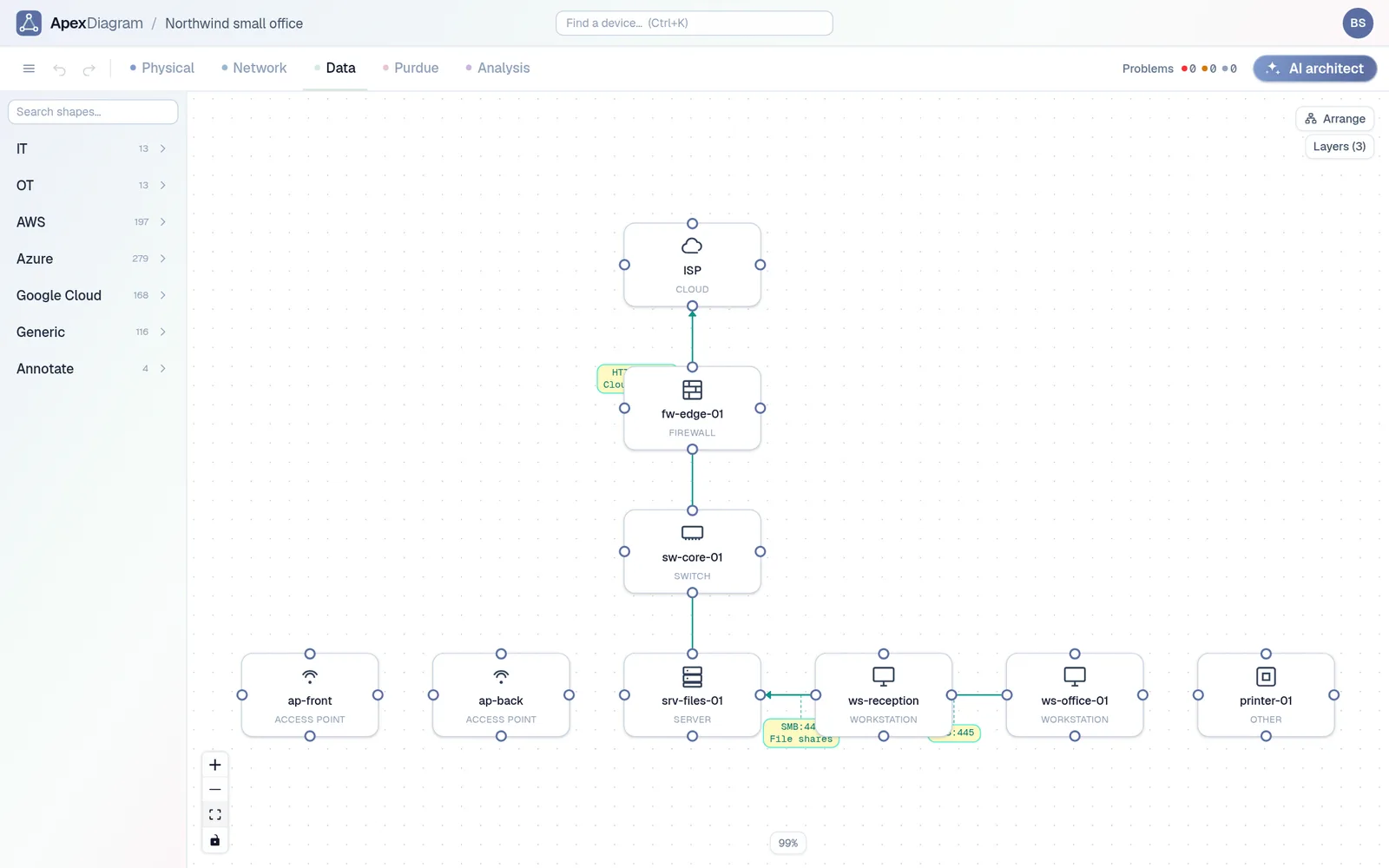
- "Which devices at the Leeds office are on VLAN 30, and what are their addresses?"
- "What is the next free address in the server subnet?"
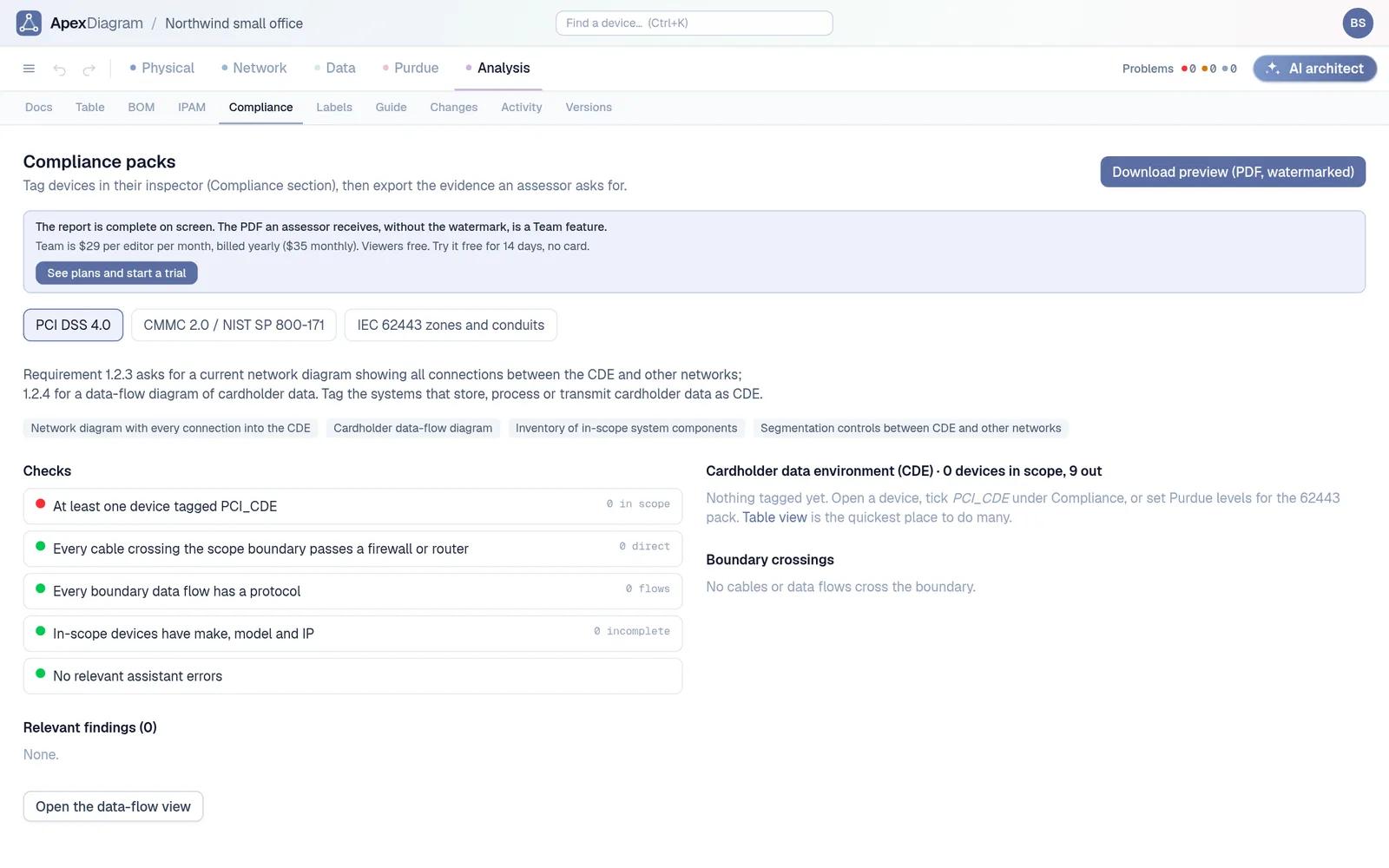
- "Run the diagram assistant on the HQ diagram and explain the errors."
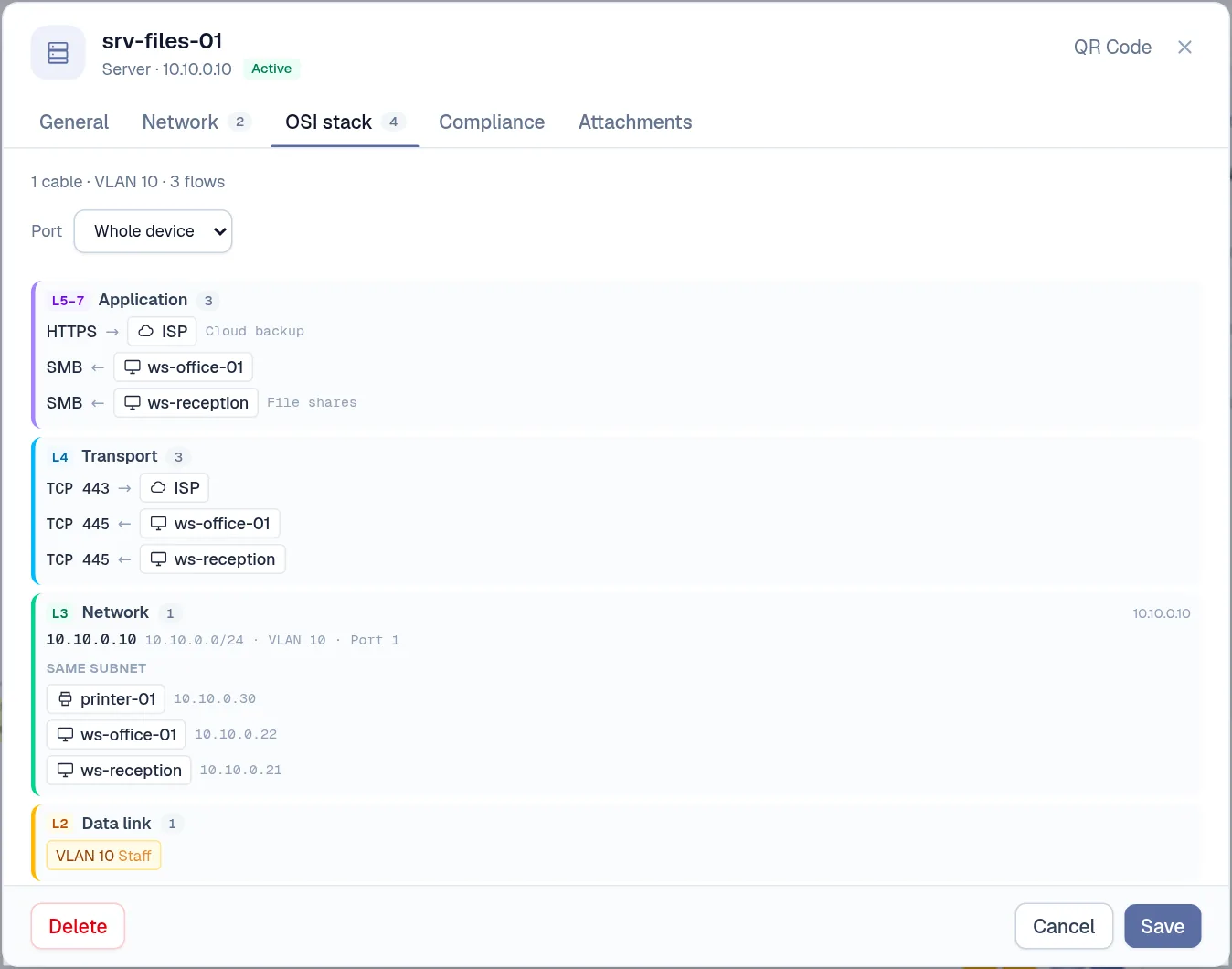
- "List everything that talks to the file server, and on which ports."
- "Give me the BOM for the new branch as a table I can paste into a quote."
- "Generate pf rules for the data flows on the DMZ firewall."
And with an editing key:
- "Add a second access point on the first floor, on the staff and guest VLANs, cabled to switch port 12."
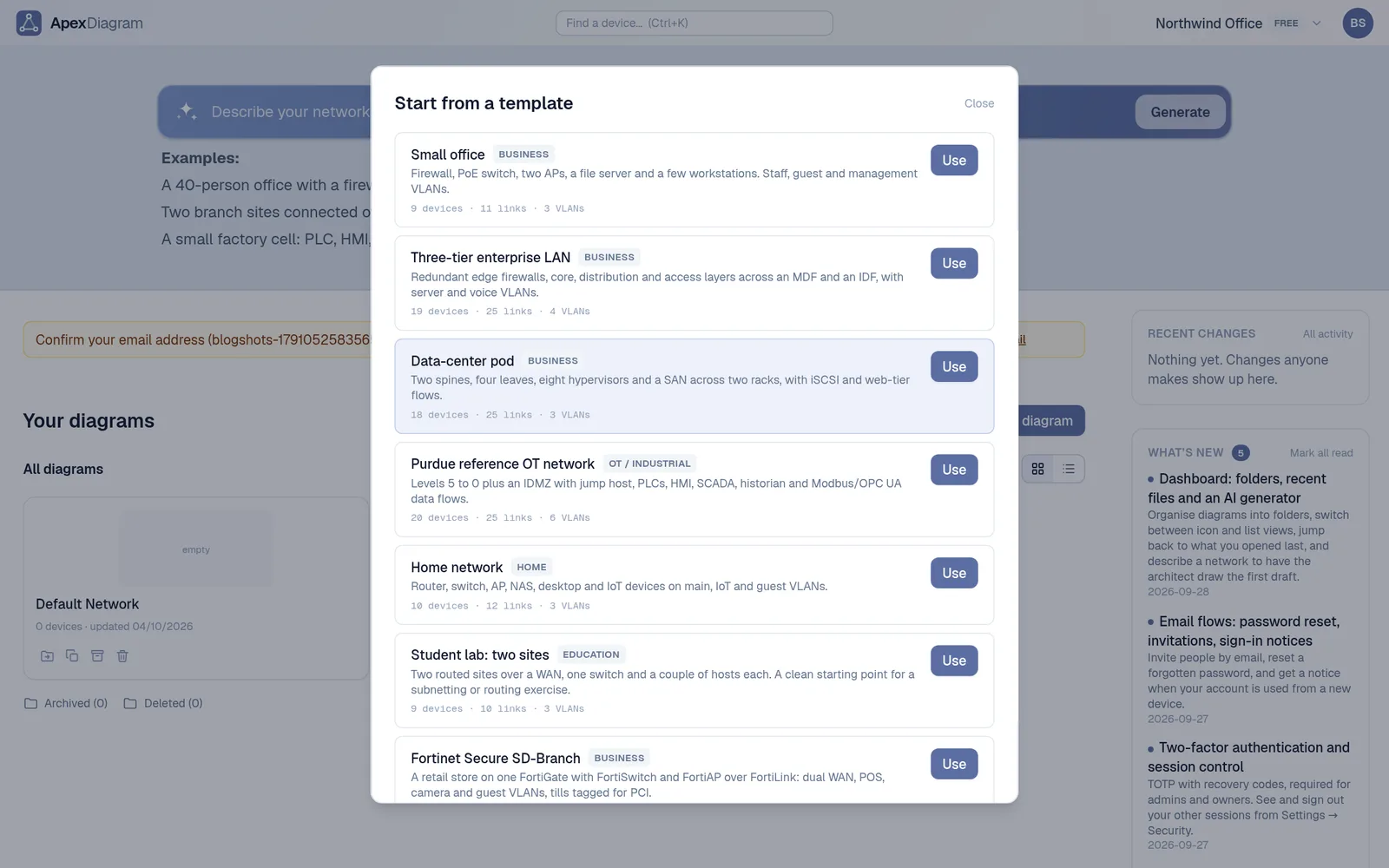
- "Build a small office from the template with an extra camera VLAN, then lint it and fix what it finds."
What the server exposes
The tools cover the same ground as the app: listing and reading diagrams; searching devices across diagrams by name, hostname, IP, serial or asset tag; creating, updating and deleting devices and links; VLANs and subnets with gateways, DHCP pools and DNS servers; locations; the diagram assistant; the bill of materials; firewall rules generated from data flows (as JSON, CSV, iptables, pf or ASA syntax); auto-layout; and named checkpoints.
Connecting
Create an API key under Settings → API keys. A key carries a role, just like a person: a viewer key can only read.
In Claude Code:
claude mcp add --transport http apexdiagram https://apexdiagram.com/api/mcp \
  --header "Authorization: Bearer YOUR_KEY"
In any client that takes a JSON config with Streamable HTTP:
{
  "mcpServers": {
    "apexdiagram": {
      "url": "https://apexdiagram.com/api/mcp",
      "headers": { "Authorization": "Bearer YOUR_KEY" }
    }
  }
}
Clients that only speak stdio can bridge with mcp-remote. Step-by-step: Create an API key.
The guard rails
Letting an assistant edit your network documentation should not mean trusting it blindly. Three things keep it safe:
- Roles. Give the assistant a viewer key until you want it to edit. A viewer key cannot change anything.
- Audit. Every change the assistant makes is logged under the key's name, the same as a person's.
- Approval. If your organisation requires approval for changes, the assistant's edits go through it like everyone else's. It proposes; a person approves.
Before a larger change, ask the assistant to create a checkpoint first. If you do not like the result, restore it from Versions.
Why this is useful
Most network questions are lookups that take five clicks: which port, which VLAN, which address is free. An assistant with the right tools answers them in one sentence, and it answers from the record instead of from memory. That only works if the record is accurate, which is the rest of what ApexDiagram is for.
If you would rather stay inside the app, the built-in AI architect does the same work from a side panel. What a key can do depends on its role and your plan. See plans and pricing.
Document your network once, keep it current
One network graph, four synchronized views, a linter and a bill of materials. Import the Visio or draw.io file you already have.
Join the beta