IEC 62443 zones and conduits, with an example diagram
· 4 min read
How IEC 62443-3-2 zones and conduits work, how they relate to the Purdue levels, and a worked example: a water treatment works in seven zones with target security levels.
IEC 62443 is the international series of standards for securing industrial automation and control systems. Its central idea is simple: group assets into zones that share security requirements, and let zones talk only through conduits you have documented and protected. If the Purdue model is the map, zones and conduits are the security plan drawn on top of it.
The vocabulary
- Zone: a group of assets with the same security requirements. A zone can be a whole Purdue level, part of one, or a single critical system.
- Conduit: the communication path between two zones, and the controls on it: a firewall, a data diode, a one-way replication.
- Security level (SL): how strong a zone's protection needs to be, from 1 to 4. SL 1 protects against casual or accidental misuse; SL 2 against intentional attacks with simple means; SL 3 against sophisticated attacks with moderate resources and system-specific skills; SL 4 against the same with extended resources and high motivation.
- SL-T, SL-C, SL-A: the target level a zone needs, the capability its components can deliver, and the level it actually achieves.
How you get there: 62443-3-2
Part 3-2 describes the process. In short:
- Define the system under consideration.
- Do an initial, high-level risk assessment.
- Partition it into zones and conduits.
- Compare the initial risk with what is tolerable.
- Do a detailed risk assessment per zone and conduit, and set each one's SL-T.
- Document the security requirements.
- Get the asset owner to approve them.
The zone and conduit diagram is the artefact everybody reads. It is also the one that goes stale fastest.
From Purdue to zones
Most zone designs start from the Purdue levels and then split or merge:
- Split where systems at the same level have different risk. A safety instrumented system (SIS) usually gets its own zone, even though it sits at level 1 beside the PLCs.
- Split where a site is physically remote and connected over something you do not control, such as cellular.
- Merge where levels share the same equipment and risk, which is common in small sites.
Worked example: a water treatment works
| Zone | Purdue | SL-T | What is in it |
|---|---|---|---|
| Z1 Enterprise | 4 | 1 | Corporate switch, billing workstation |
| Z2 OT DMZ | DMZ | 2 | Historian replica, vendor remote access with MFA |
| Z3 Operations | 3 | 2 | Historian, engineering workstation, operations switch |
| Z4 Supervisory | 2 | 2 | Two SCADA servers, control room HMI |
| Z5 Basic process control | 1 | 2 | Intake, filtration and dosing PLCs, the intake pump |
| Z6 Safety | 1 | 3 | Chlorine safety controller and gas detector |
| Z7 Remote sites | 1 | 2 | Reservoir RTU and level transmitter over private LTE |
Six conduits join them, each with what it allows:
| Conduit | Between | Allowed | Enforced by |
|---|---|---|---|
| C1 | Z1 and Z2 | HTTPS to the historian replica | IT/OT firewall |
| C2 | Z2 and Z3 | Historian push, brokered RDP | IT/OT firewall |
| C3 | Z3 and Z4 | OPC UA, RDP from engineering | Operations firewall |
| C4 | Z4 and Z5 | Modbus TCP from SCADA, filtered by function code | Control firewall |
| C5 | Z5 and Z6 | Read-only Modbus from the control system to the SIS | Safety firewall |
| C6 | Z4 and Z7 | DNP3 with Secure Authentication over IPsec | Cellular routers at each end |
The security levels here are illustrative. 62443-3-2 expects you to derive yours from your own risk assessment; the higher target for the safety zone is a common outcome, not a rule.
This example ships in ApexDiagram as the IEC 62443 zones and conduits template, with each device tagged with its zone and the zone table in the diagram's documentation.
What to check on a zone diagram
- Every device is in a zone. An unzoned device is unmanaged risk.
- Every connection between zones goes through a conduit. A cable from a level 4 switch straight to a level 1 PLC is the classic finding.
- Every conduit flow has a protocol and a port. Without them, nobody can check the firewall rules.
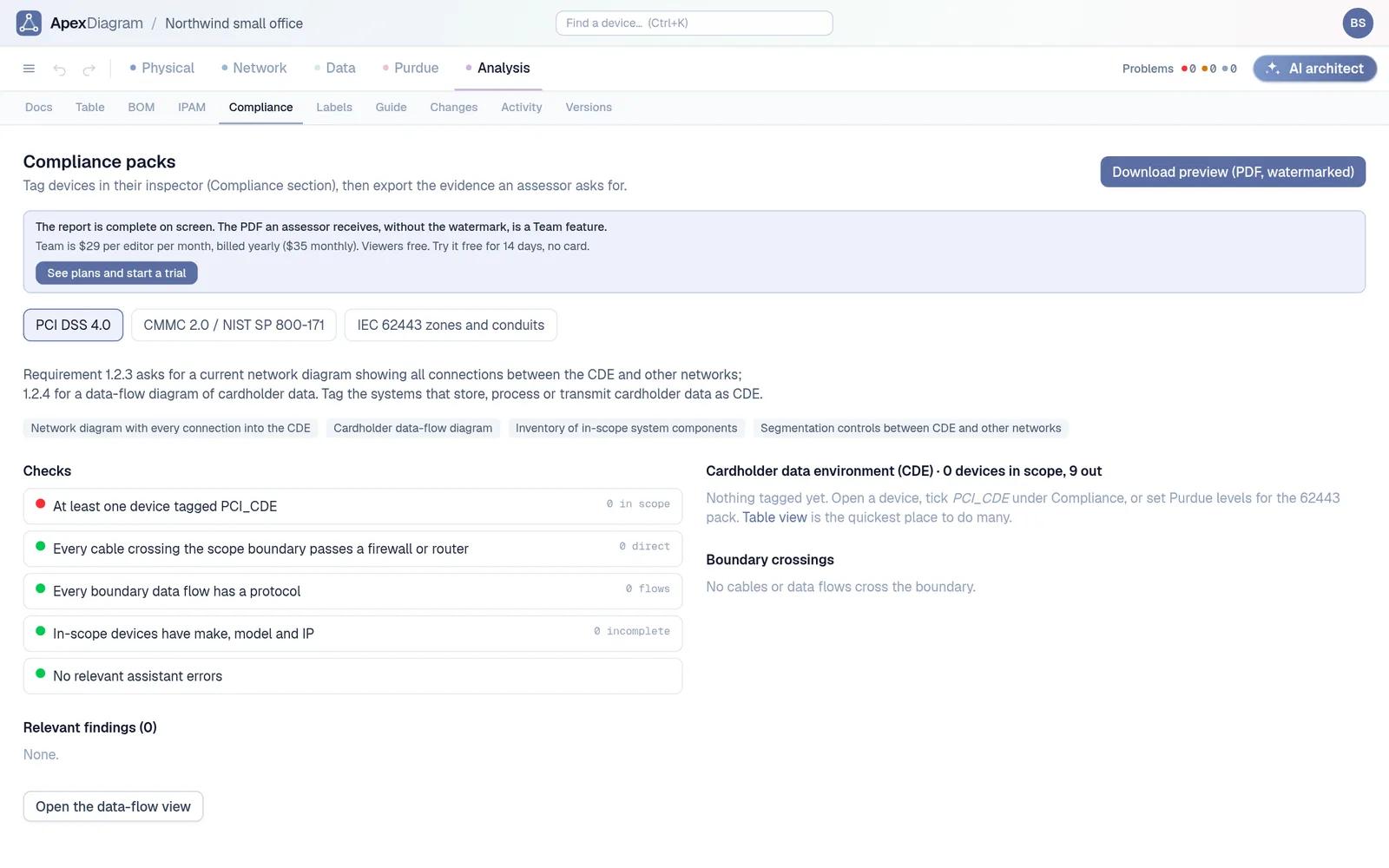
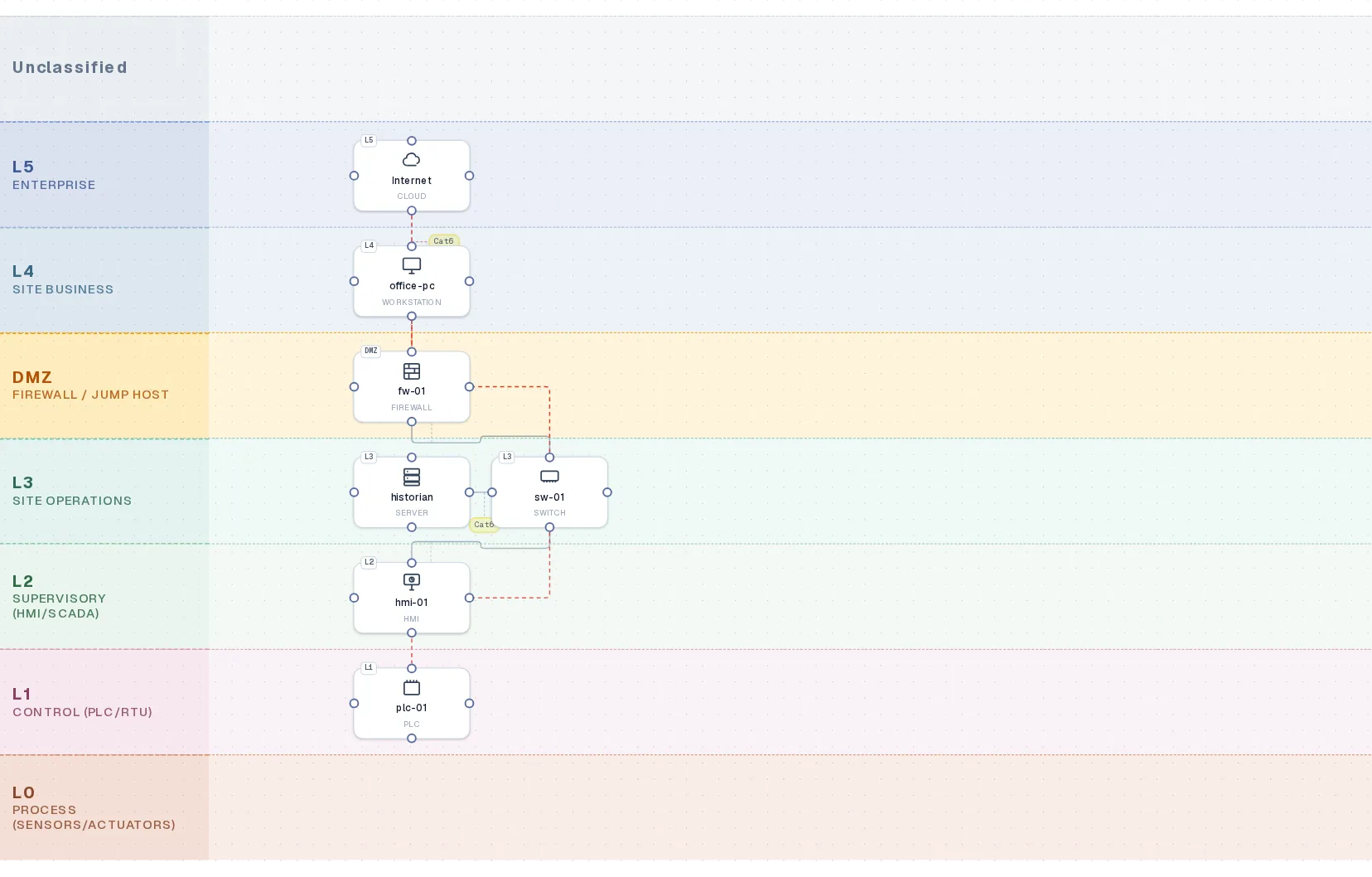
ApexDiagram's IEC 62443 report uses the Purdue levels as zones and checks those three things: every device has a level, no connection skips a level without a DMZ or firewall, and every conduit flow has a protocol. The audit pack PDF puts the Purdue view, the data-flow view and the findings together for the assessor.
Devices on their Purdue levels, the base the zones are drawn on
New to the levels? Start with The Purdue model explained. See plans and pricing.
Document your network once, keep it current
One network graph, four synchronized views, a linter and a bill of materials. Import the Visio or draw.io file you already have.
Join the beta