The Purdue model explained, with an example diagram
· 3 min read
The Purdue model's levels from 0 to 5 and the DMZ between IT and OT, explained with a worked example of a small plant and the rules that keep it segmented.
The Purdue model is the map most industrial networks are drawn on. It came out of Purdue University's work on the Purdue Enterprise Reference Architecture in the 1990s, was picked up by ISA-95 for manufacturing integration, and became the default way to talk about separating office IT from the systems that run a plant. If you work near OT, an auditor, an integrator or an insurer will ask you for a Purdue diagram sooner or later.
The levels, bottom to top
| Level | Name | What lives there |
|---|---|---|
| 0 | Process | Sensors, actuators, valves, drives: the physical process itself |
| 1 | Basic control | PLCs, RTUs and safety controllers that read level 0 and act on it |
| 2 | Supervisory control | HMIs and SCADA servers that operators use to watch and steer |
| 3 | Site operations | Historians, engineering workstations, site-wide servers |
| DMZ (often called 3.5) | Industrial DMZ | Jump hosts, historian replicas, patch servers: the only things both sides may reach |
| 4 | Site business | Site IT: email, file shares, business applications |
| 5 | Enterprise | Corporate IT, the data centre, the cloud and the internet |
Levels 0 to 3 are OT. Levels 4 and 5 are IT. The DMZ is the buffer between them.
The one rule that matters most
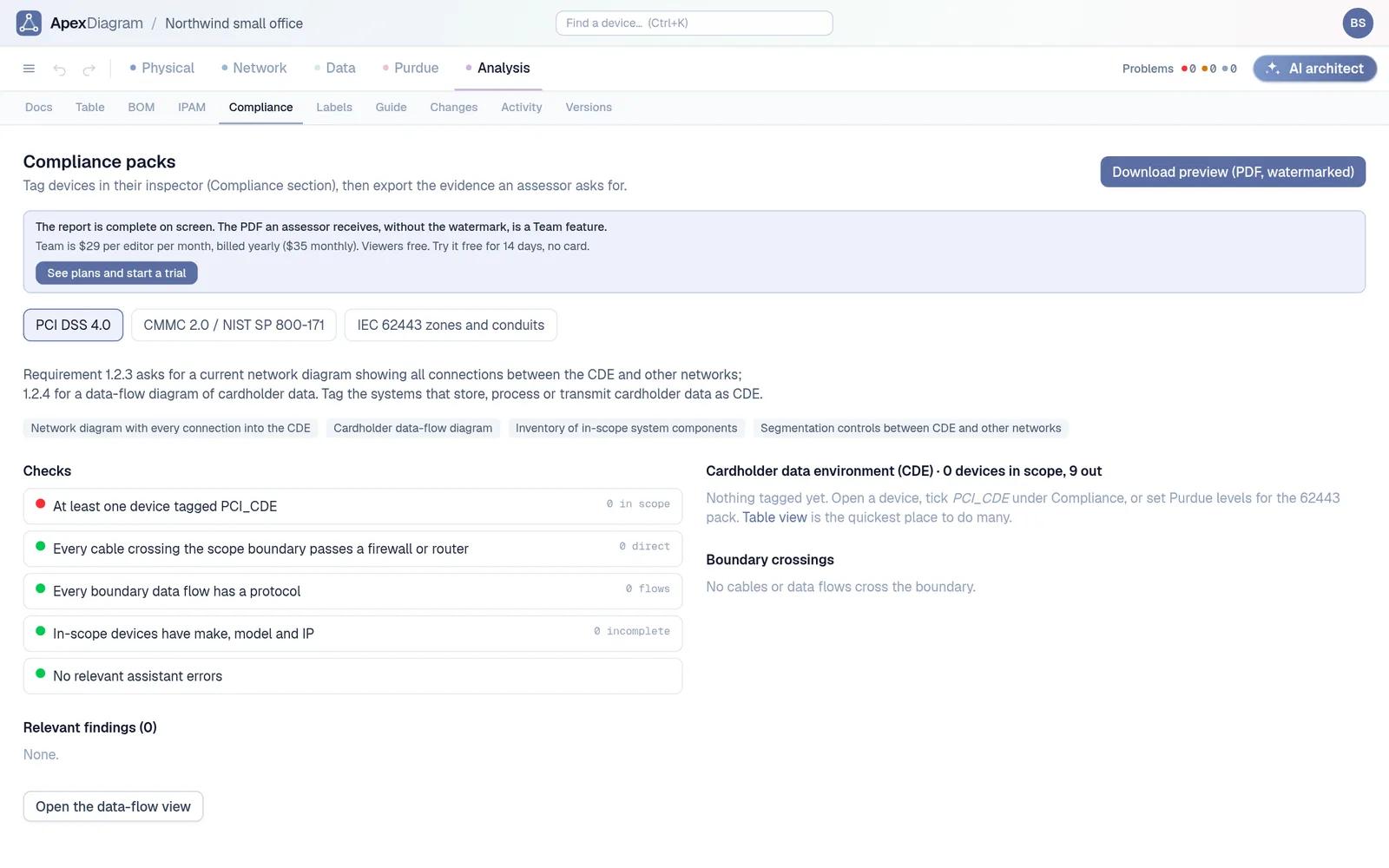
Traffic should not jump levels. A laptop at level 4 should never talk to a PLC at level 1 directly. Each crossing between levels goes through something that can filter it, and the IT-to-OT crossing goes through the DMZ, ideally with nothing allowed straight through it. When a vendor needs remote access, they land on a jump host in the DMZ and work from there.
The reason is blast radius. Ransomware that lands on an office PC should find nothing to talk to below level 4. Most of the well-known OT incidents of the last decade started on the IT side and walked down a flat network.
A worked example
Picture a small production site:
- Level 5 and 4: an ERP server, a corporate workstation and an enterprise switch, plus an MES server at level 4.
- DMZ: a firewall (call it fw-idmz-01) and a jump host for remote vendor access.
- Level 3: a historian, an engineering workstation and the operations switch.
- Level 2: a SCADA server and the line HMI.
- Level 1: two PLCs, a safety controller and an RTU in the pump house.
- Level 0: temperature and flow transmitters, a valve and an emergency shutdown valve.
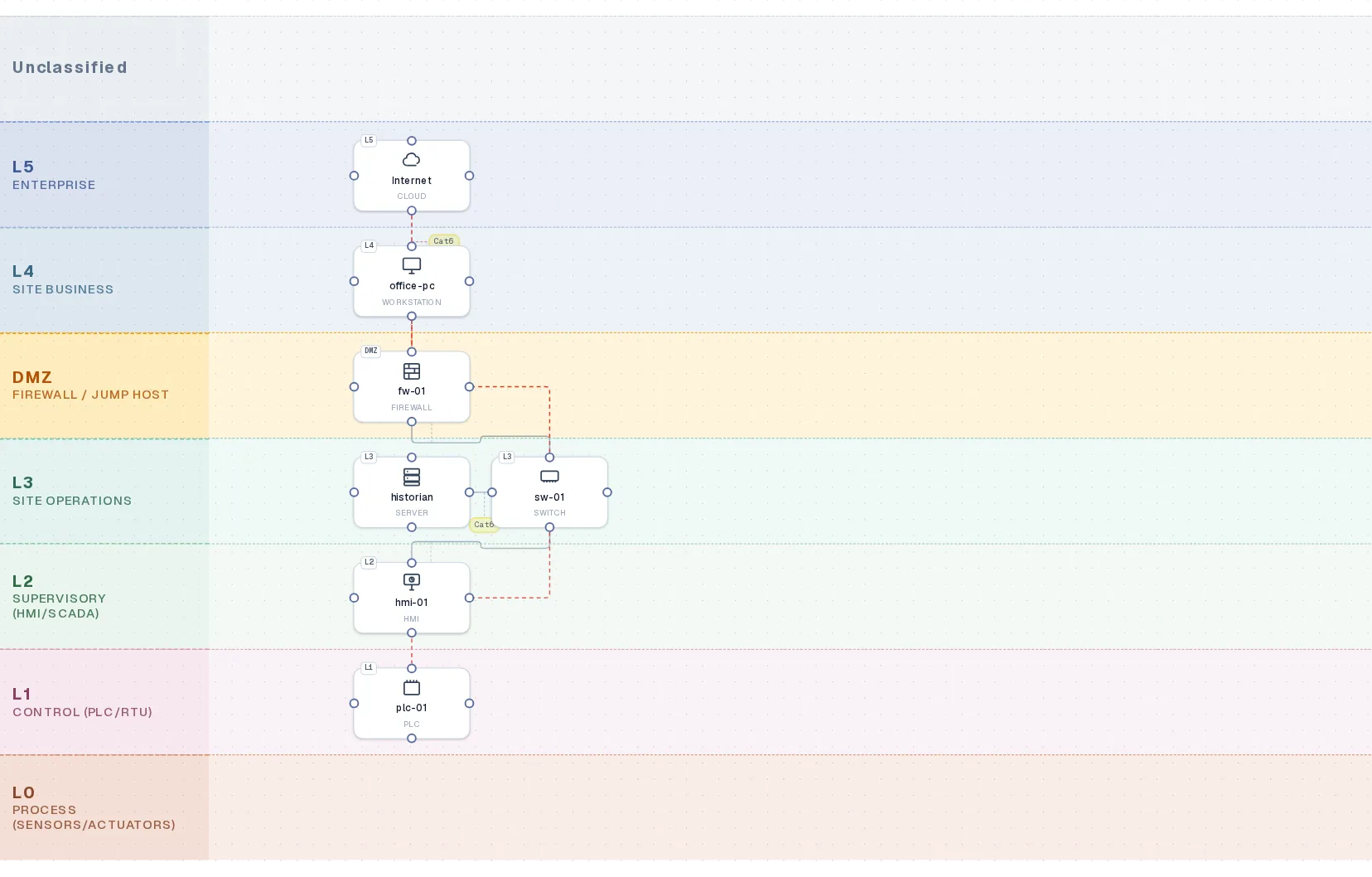
Drawn on the Purdue bands, each device sits on its row, and every cable either stays within a band, moves one band, or passes through the DMZ firewall. The data flows tell you what crosses: Modbus TCP and EtherNet/IP between the PLCs and SCADA, OPC UA from SCADA to the historian, HTTPS from the historian up to the MES through the DMZ, and RDP from the jump host to the engineering workstation for vendor support.
An OT network on its Purdue levels, with the DMZ between IT and OT
What a Purdue diagram should let you check
- Every device has a level. Unclassified devices are where surprises live.
- No cable skips more than one level without a firewall or the DMZ in between.
- Every flow that crosses a level has a protocol and a port. "Something talks to the PLC" is not documentation.
- Remote access lands in the DMZ. Not on a level 2 HMI with a remote desktop tool someone installed in 2019.
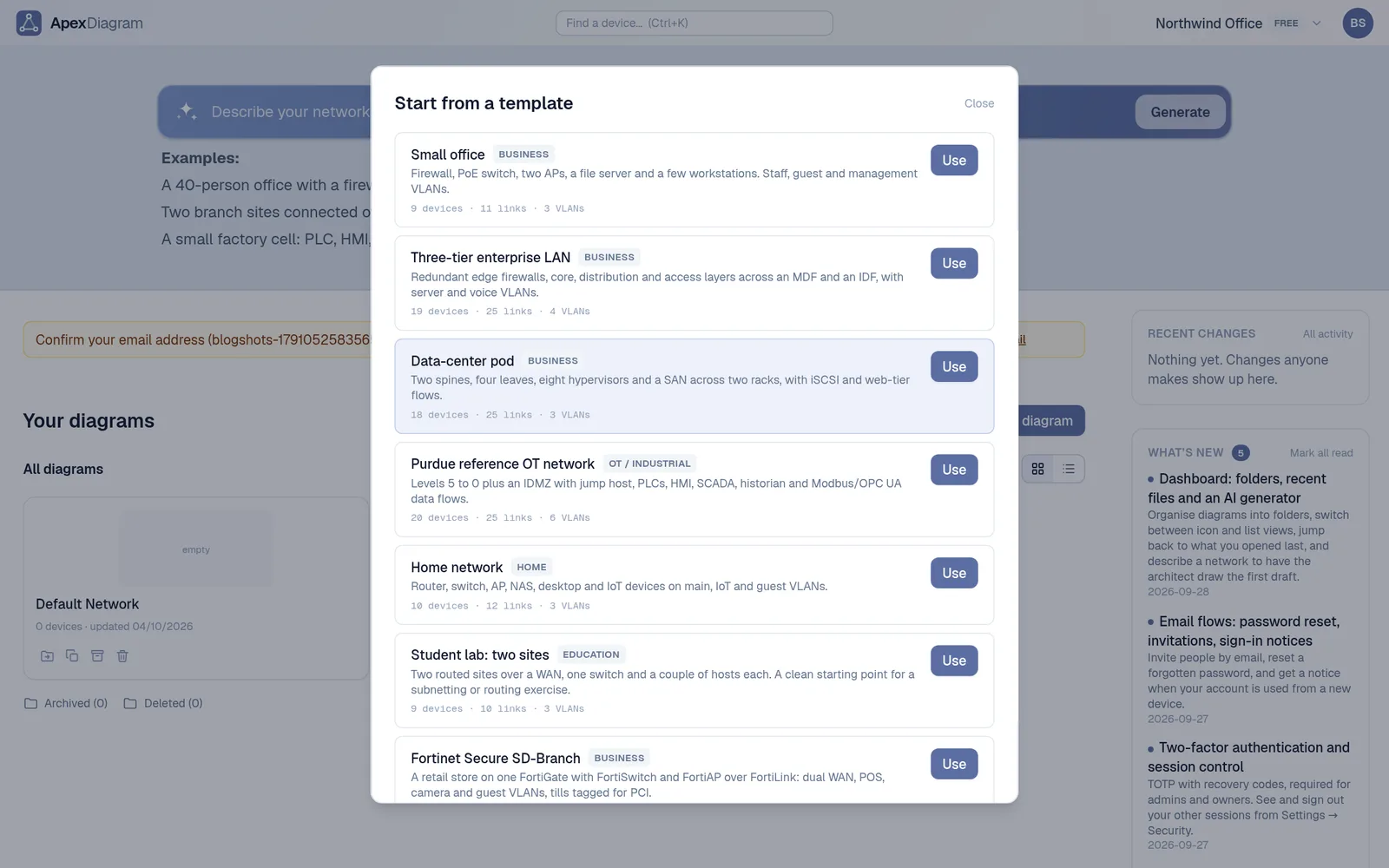
ApexDiagram checks the first three for you. Its Purdue view draws the bands, snaps a dropped device onto its band's row, and the diagram assistant raises an error for a cable that skips levels with no firewall or DMZ at either end. There is a Purdue reference OT network template built on the example above, plus a Cisco/Rockwell CPwE plant template if you want something closer to a real factory.
Purdue is not the whole story
The Purdue model was not written as a security standard, and modern plants have things it never imagined: cloud historians, wireless sensors, vendor connections over 4G. For a security programme, the standard to follow is IEC 62443, which replaces levels with zones and conduits. The two fit together: most 62443 zone designs start from the Purdue levels. We cover that in IEC 62443 zones and conduits, with an example diagram.
Start from the Purdue template, or import the drawing you already have and give each device a level. See plans and pricing.
Document your network once, keep it current
One network graph, four synchronized views, a linter and a bill of materials. Import the Visio or draw.io file you already have.
Join the beta