What belongs in an MSP network handover pack
· 3 min read
Whether you are taking on a client or handing one over, these are the documents that make the first week painless, as a checklist with what each one is for.
Every managed service provider has inherited a client whose documentation was a password spreadsheet and a diagram from 2017. Most have also handed a client over and wondered what the next provider will think of theirs. A good handover pack is the difference between a first week of discovery and a first week of work.
This is the checklist we would want to receive. It works in both directions: for onboarding a client, it is the list of things to collect; for offboarding, it is what to leave behind.
The pack
1. Contacts and access
- Client contacts: who approves changes, who to call out of hours, who pays the bills.
- Vendor and carrier contacts with account numbers and support phone numbers.
- Where each admin credential lives in the password manager, and how access transfers. Never the passwords themselves in the pack.
2. Inventory
- Every network device with make, model, serial, firmware, location and warranty end.
- Licences and subscriptions tied to the hardware, with renewal dates.
3. Diagrams
- A logical diagram: subnets, VLANs, routing and firewall points.
- A physical diagram: sites, racks, rack units, patch panels and cables.
- A data-flow diagram for anything regulated (card data, health data, CUI) or business-critical.
4. Addressing
- Every subnet with its VLAN, gateway, DHCP pool and DNS servers.
- Every static address and what it belongs to.
5. Connectivity
- WAN circuits: carrier, circuit ID, bandwidth, support number, contract end.
- VPN tunnels: peers, the networks they protect, where the keys are managed.
6. Security
- Firewall rules, with a reason for each that is not "it was there".
- Remote access: who has it, how, and through what.
- Any compliance scope and the last assessment's findings.
7. Operations
- Where configuration backups are and when the last restore was tested.
- Monitoring: what is watched and where alerts go.
- Known issues and anything half-finished.
8. History
- Recent changes, with dates.
- Open tickets and anything promised to the client.
How to make the pack easy
The pack above is a lot of documents, and a handover is where they are found to disagree. The diagram says 14 switches, the inventory says 12, the firewall has rules for a server nobody can find.
Keeping each client in one record avoids most of that. In ApexDiagram, each client can be its own organisation, so their data stays apart and you switch between them from one login. Within it:
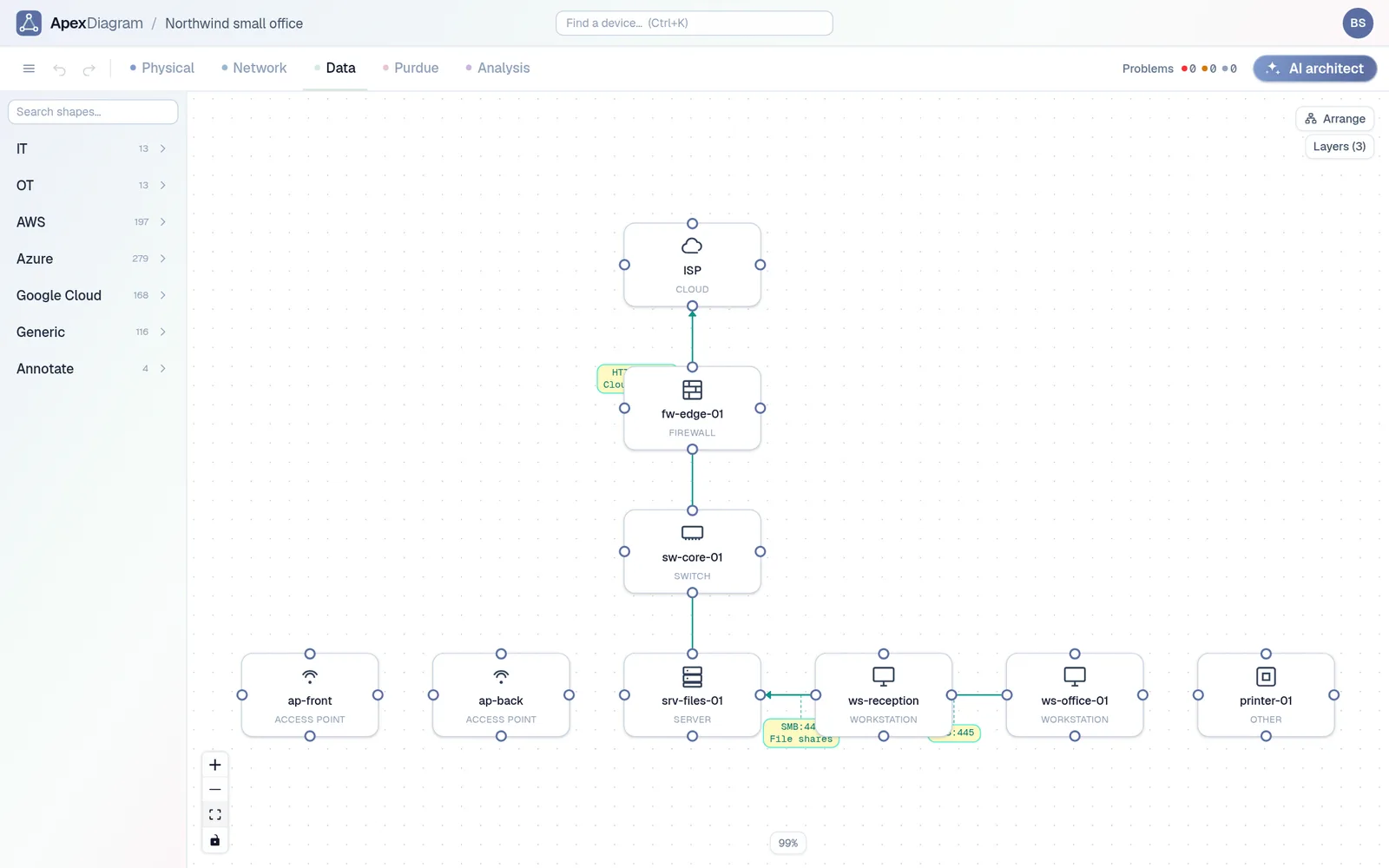
- Items 2 to 5 are one diagram: the inventory, the IP plan, the WAN circuits and tunnels and both diagrams all come from the same devices and cables. The labels tab prints QR labels for the rack, and each QR opens that device's record.
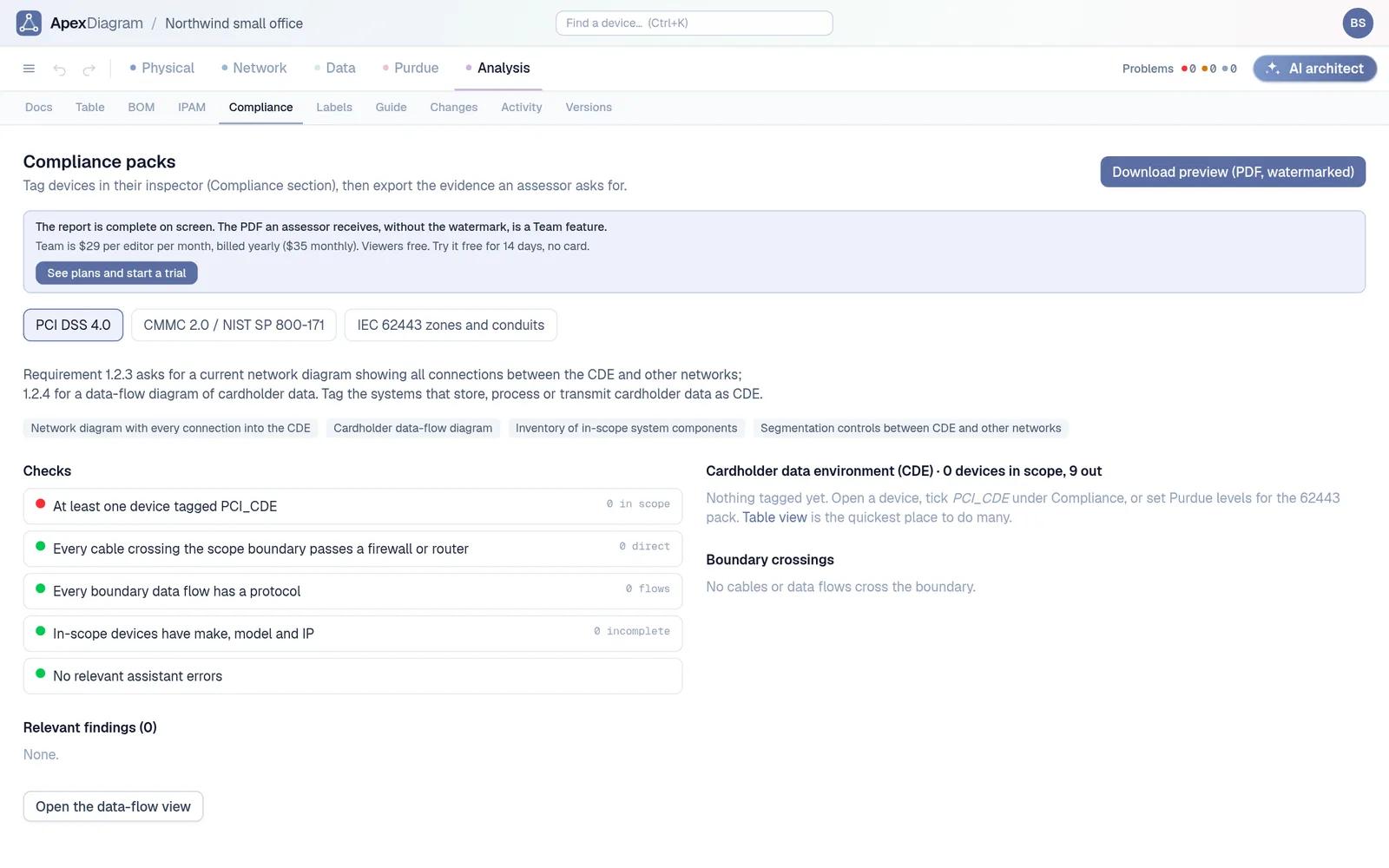
- Item 6 comes from the data flows: firewall rules are generated from them, and the compliance packs report boundary crossings.
- Items 1 and 7 go in the diagram's documentation page, with links that jump to devices.
- Item 8 is the versions list and the activity log.
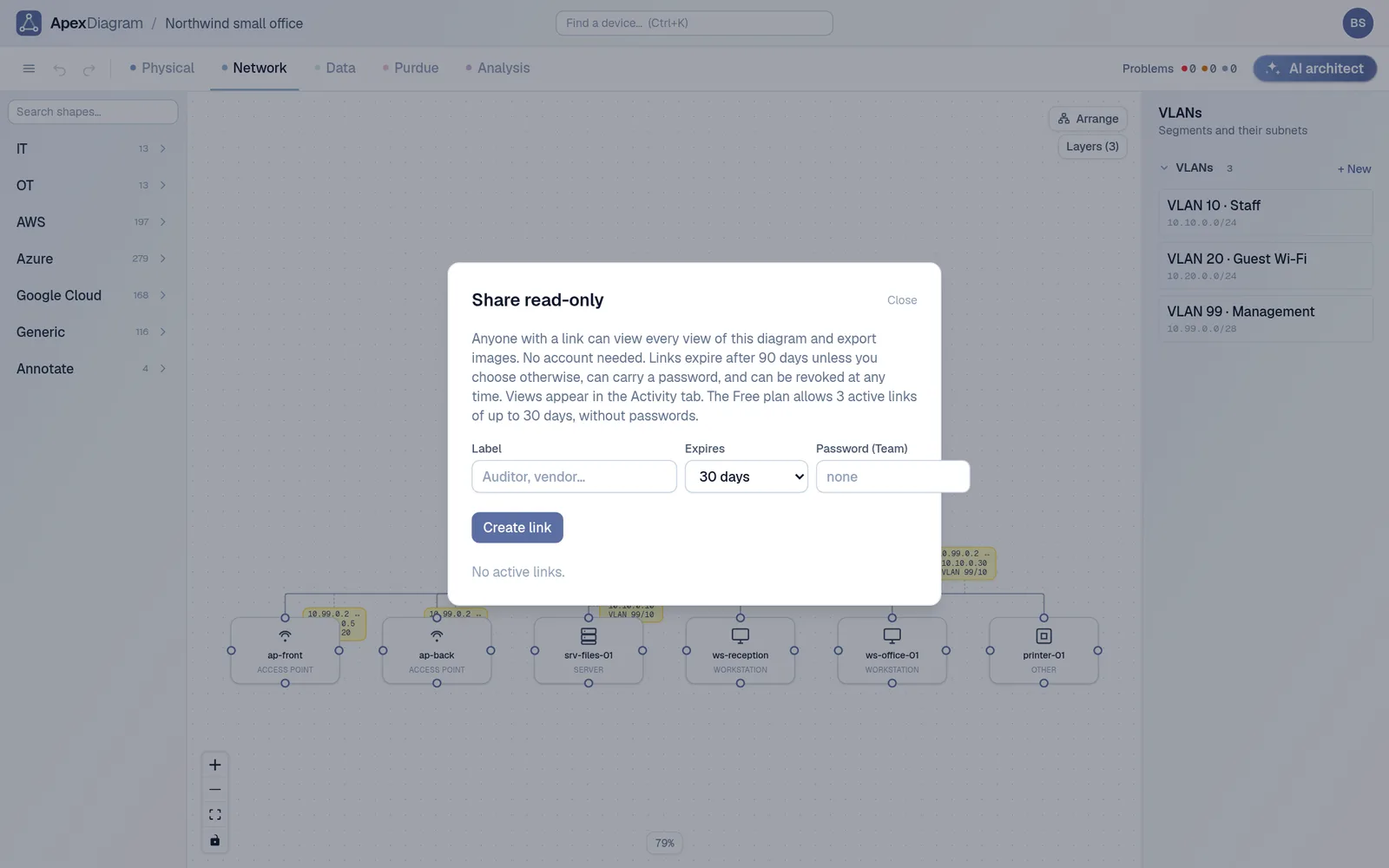
When it is time to hand over, a read-only share link with an expiry and a password lets the incoming provider or the client see all four views and the documentation without an account. The JSON or YAML export gives them the data itself.
A read-only share link with an expiry
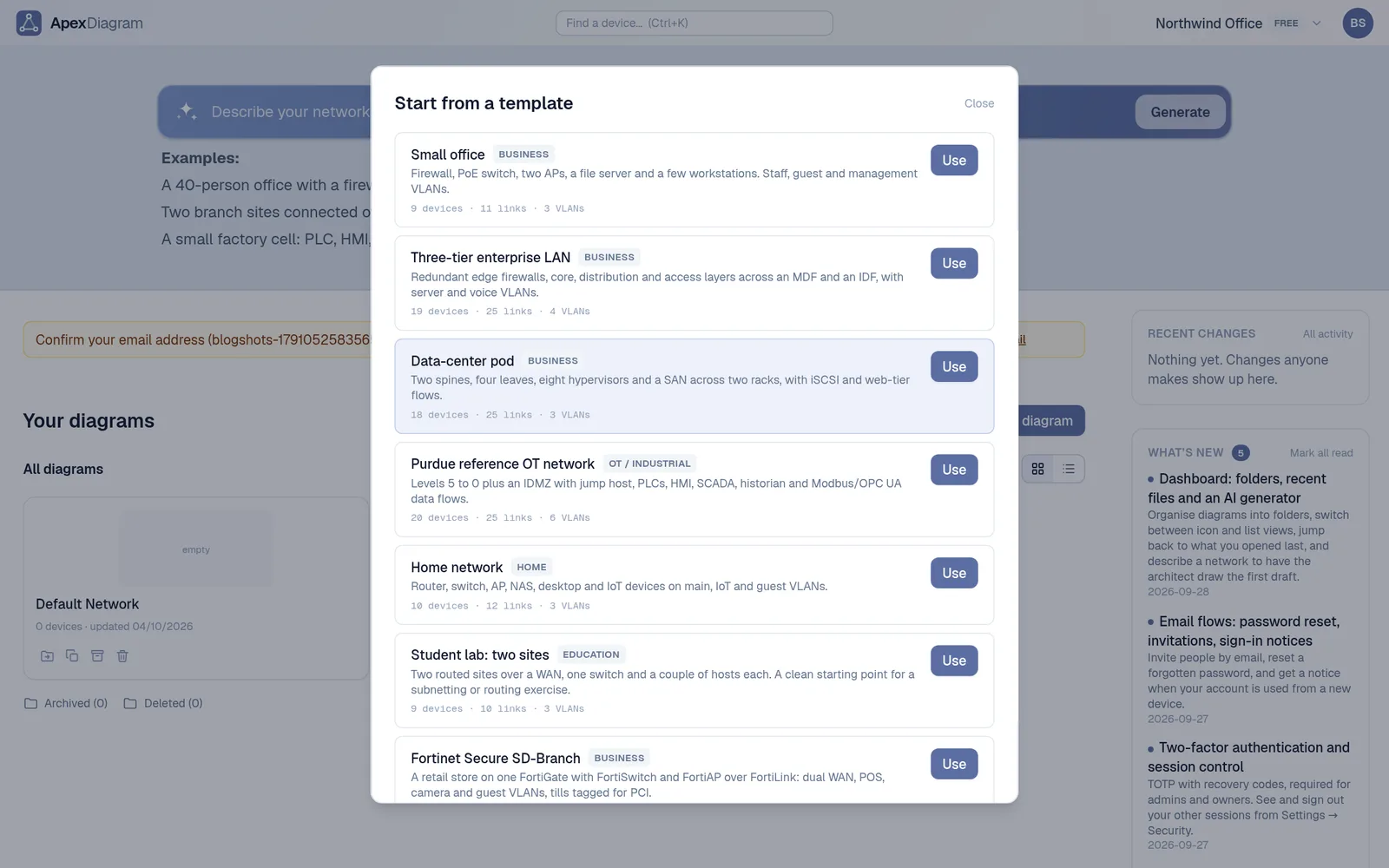
Onboarding a client with no documentation? Start with an export from whatever they run: Meraki, UniFi, NetBox, or an nmap scan. See plans and pricing.
Document your network once, keep it current
One network graph, four synchronized views, a linter and a bill of materials. Import the Visio or draw.io file you already have.
Join the beta