Welcome to the ApexDiagram blog
· Updated · 2 min read
Who ApexDiagram is for, what it does, and what this blog will cover: practical guides, compliance, honest comparisons and help for students and homelabs.

Welcome to the ApexDiagram blog.
ApexDiagram is a network diagramming and documentation tool for small and medium businesses, the MSPs who look after them, OT and industrial teams, and anyone running a homelab or learning networking. It started from one frustration: every network diagram we have ever been handed was out of date, and the tool it was drawn in could not tell.
What ApexDiagram does
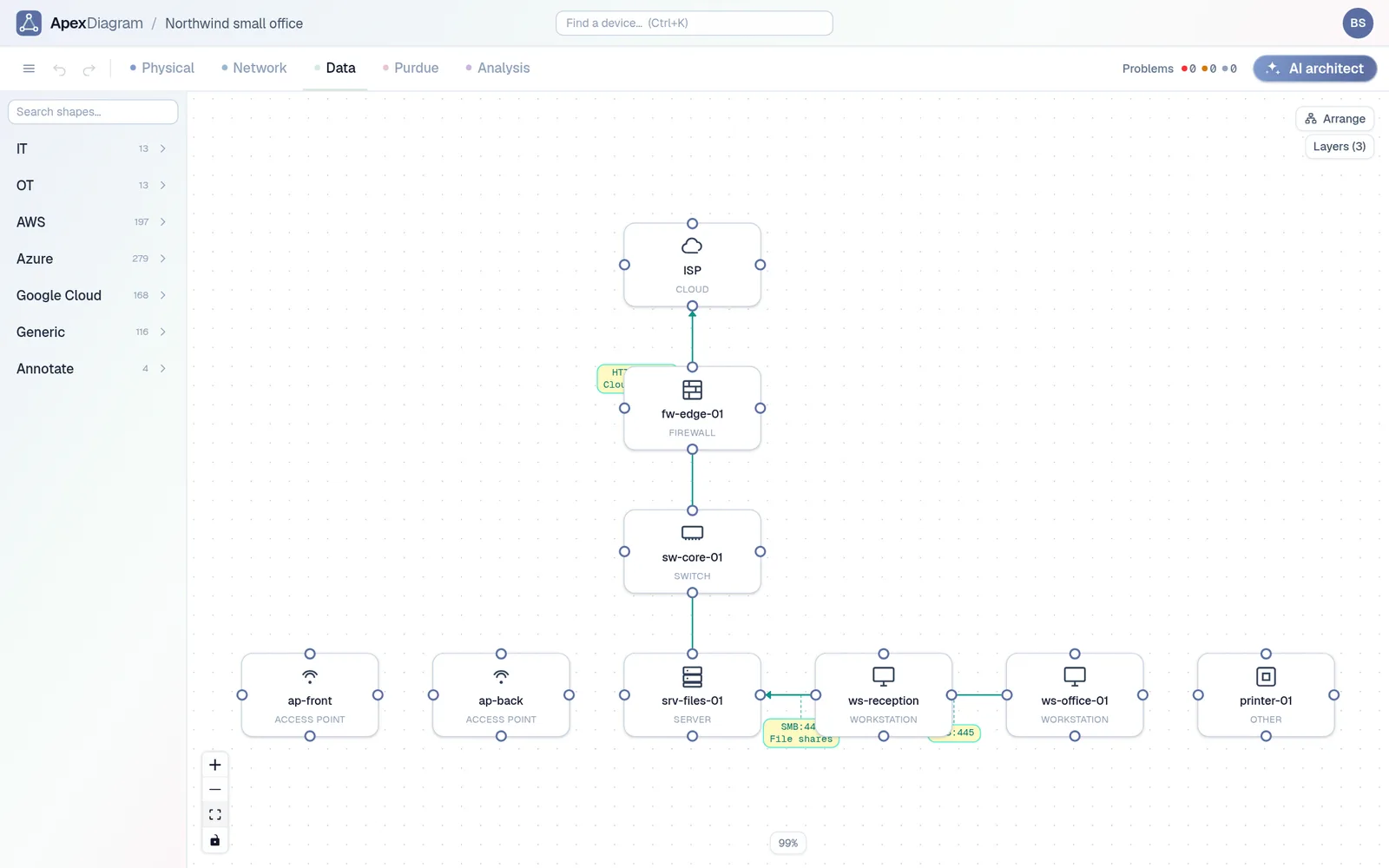
In ApexDiagram a diagram is a record, not a picture. Every device, port, cable, VLAN and rack slot is stored once and shown in four views that follow the OSI model: Physical, Network, Data and Purdue. Change a device in one view and the other three follow.
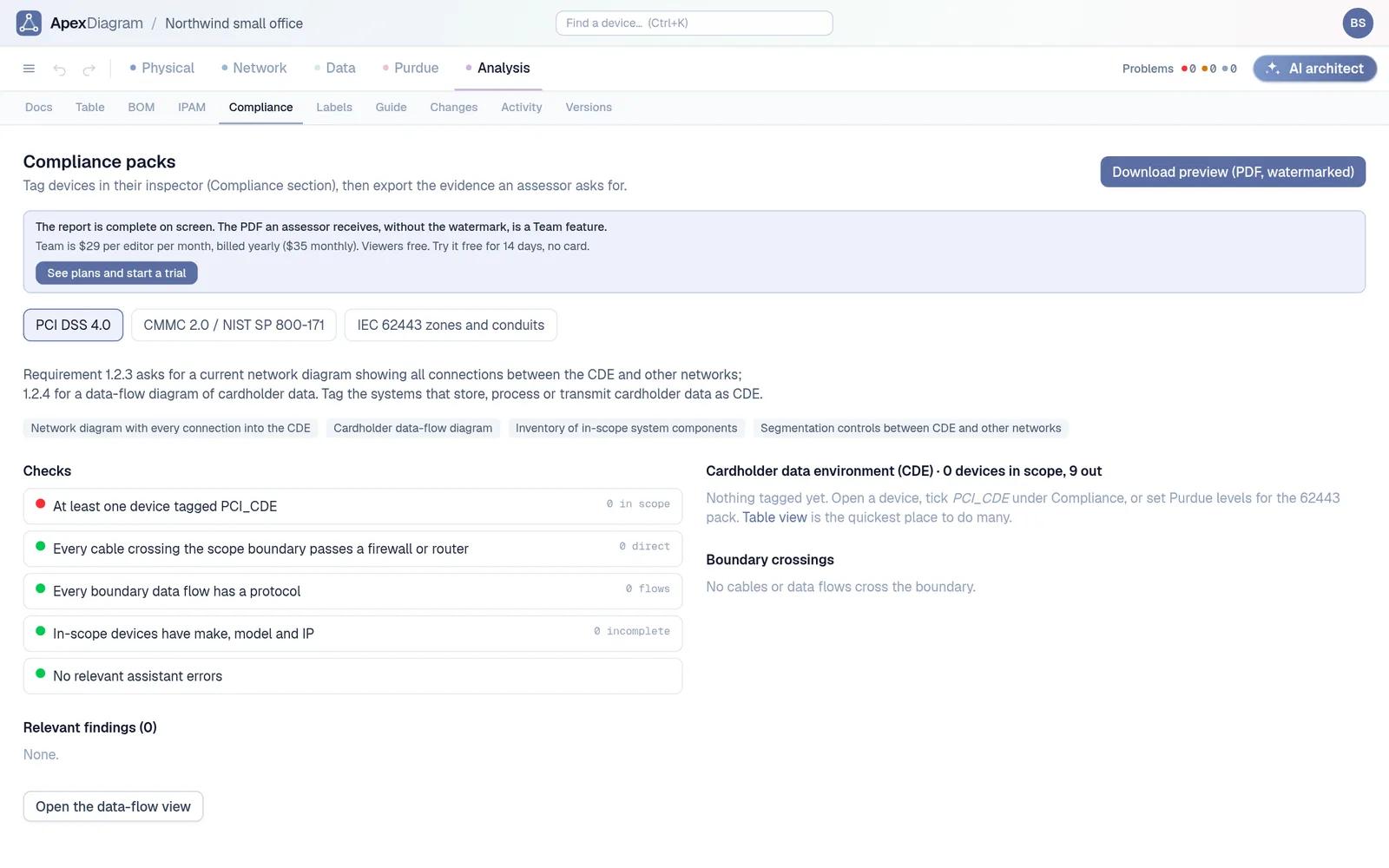
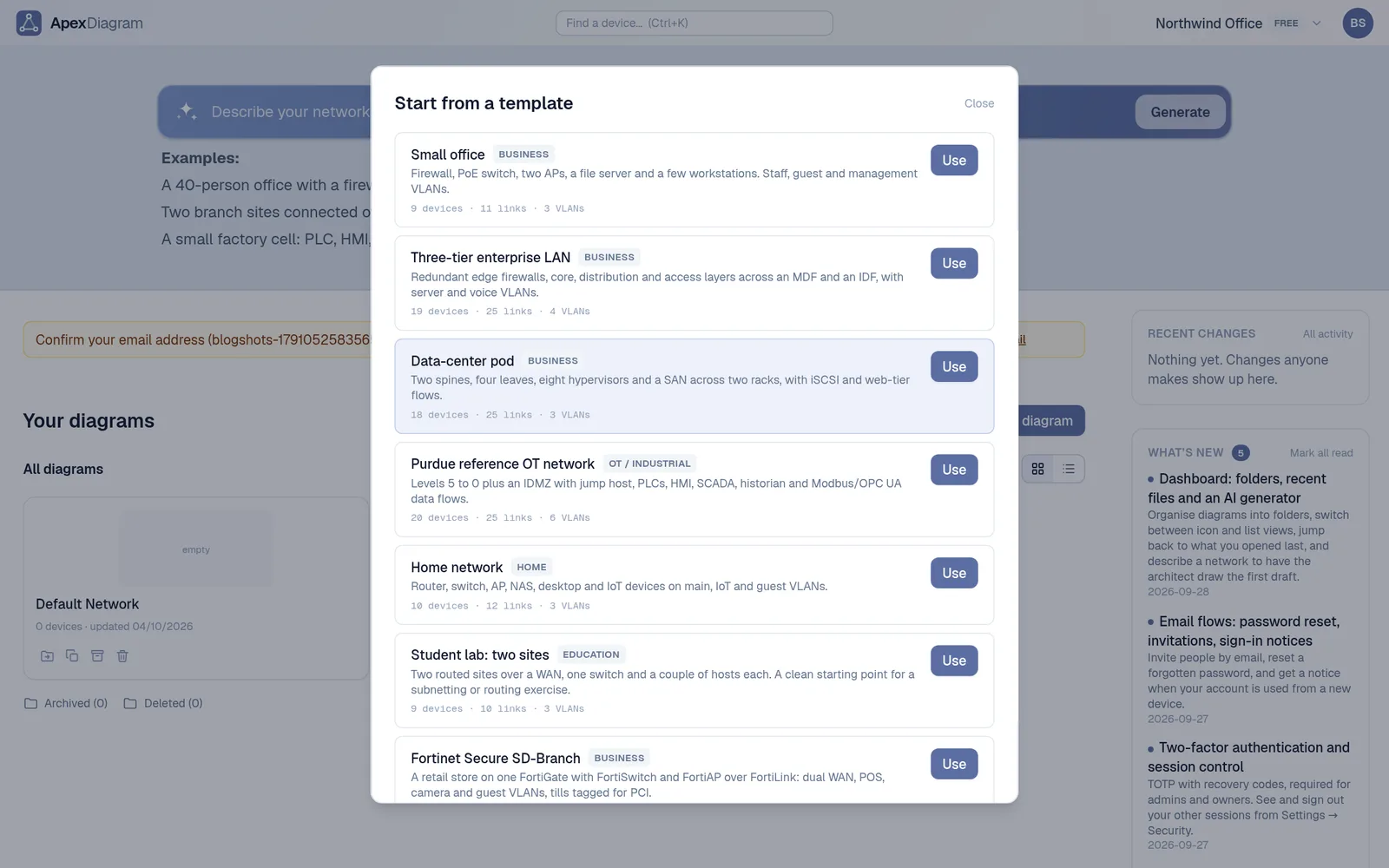
Because the diagram is data, the app can do things a drawing cannot. It checks the network for mistakes like duplicate IPs and over-length cables. It rolls the devices up into a bill of materials. It plans subnets, prints QR labels, and produces an audit pack for PCI DSS, CMMC or IEC 62443. It also imports what you already have: draw.io and Visio files, pfSense and OPNsense configs, nmap scans, LLDP tables, UniFi, Meraki and NetBox exports.
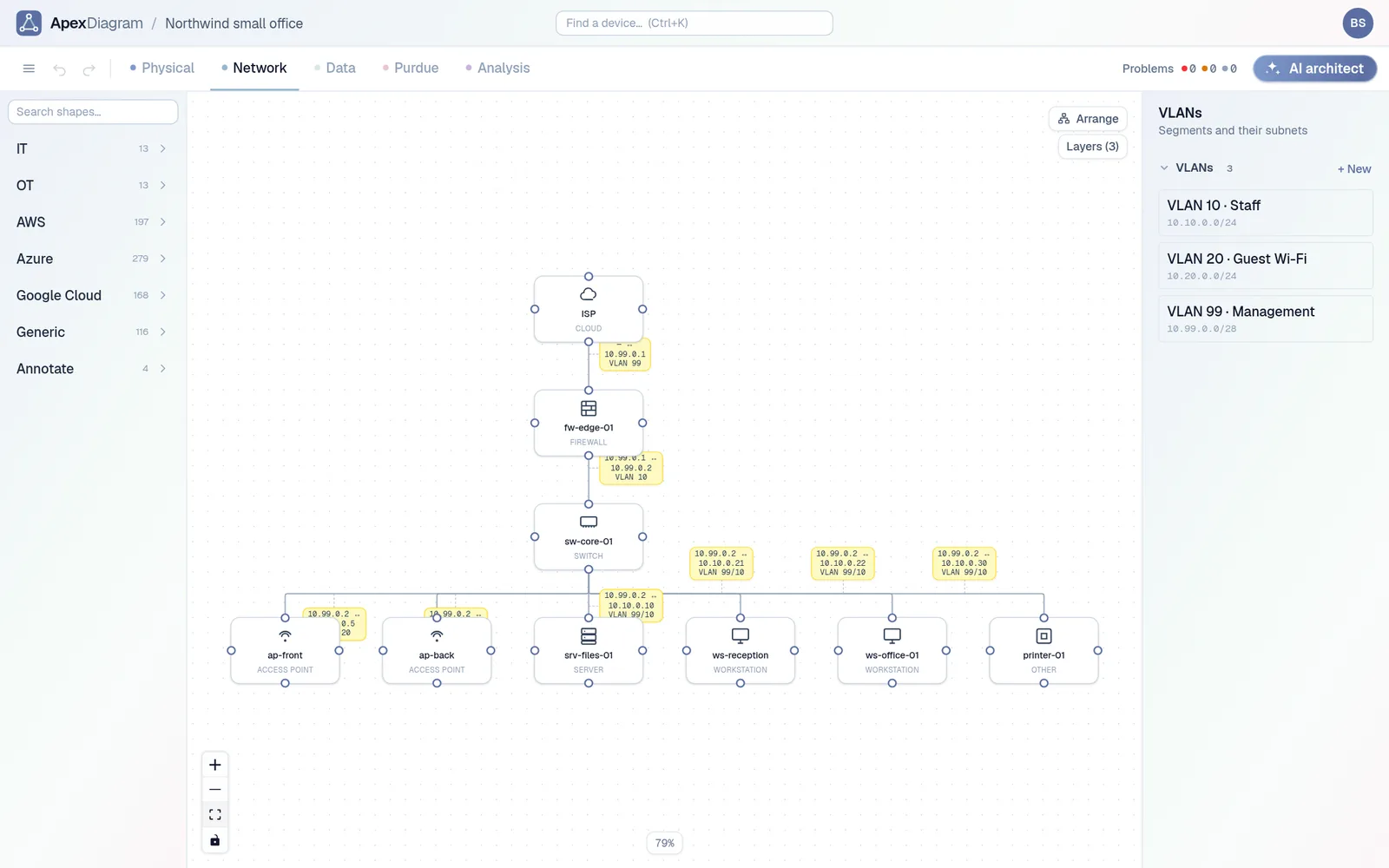 A small office network in ApexDiagram
What this blog will cover
- Practical guides. Getting a real network documented quickly, from a firewall backup, a Visio file or a scan.
- Compliance. What PCI DSS, CMMC and IEC 62443 actually ask of your diagrams, and how to keep them current.
- Comparisons. Honest notes on where Visio, Lucidchart, draw.io and the discovery tools fit, and where they do not.
- For students and homelabs. Designing a network properly, planning addresses, and booting what you drew in Containerlab.
- Product news. What we ship and why.
We will keep posts plain and specific, with screenshots of the real app, and say clearly what the product does today rather than what is on a roadmap.
Where to start
If you have a network diagram already, read Your network diagram is already wrong. If you are choosing a tool, read the comparison. If you would rather see it, Nine devices, two ways walks through the same office in Visio and in ApexDiagram.
Or skip the reading and try it with the diagram you already have. See plans and pricing.
Thanks for reading. If there is a topic you want covered, email info@apexdiagram.com.
Document your network once, keep it current
One network graph, four synchronized views, a linter and a bill of materials. Import the Visio or draw.io file you already have.
Join the beta